
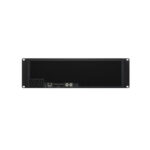
Blackmagic Design Media Dock Ultra

Pre-Order Now
Blackmagic Design Media Dock Ultra (DWCLDC/DOCNMDU03) allows you to get high performance network storage with removable modules! Introducing the world’s fastest network storage with removable media modules! The Blackmagic Media Dock models use the same high speed media modules as Blackmagic URSA Cine cameras, so you get high performance storage that can be instantly removed. That’s perfect for editing media from URSA Cine cameras directly from the modules without copying files. It’s also a perfect solution for recording from the HyperDeck ISO Recorder 100G, as you can instantly unplug and take the media module with you as soon as a live production ends! There are two powerful models, one with four 10G Ethernet connections and another with two separate 100G Ethernet connections. They even sync to Blackmagic Cloud!
Designed for Film and Television
Blackmagic Media Dock is great for both post and live production. It lets Blackmagic Media Modules from URSA Cine be shared on the network for multiple editors and colorists. Install it into a DIT cart for on-set color grading, then move the media module to post production after the shoot. It also constantly syncs to Blackmagic Cloud for a global post production workflow! The modules easily handle high resolution 12K and 17K digital film files! Blackmagic Media Dock Ultra is perfect for live production with HyperDeck ISO Recorder 100G because you can simply unplug the media module when the show ends. Even if you are recording, DaVinci Resolve can still edit the growing files live!
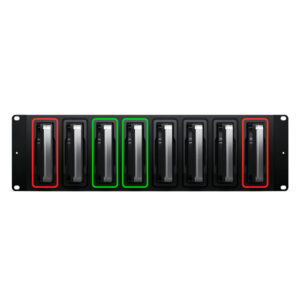
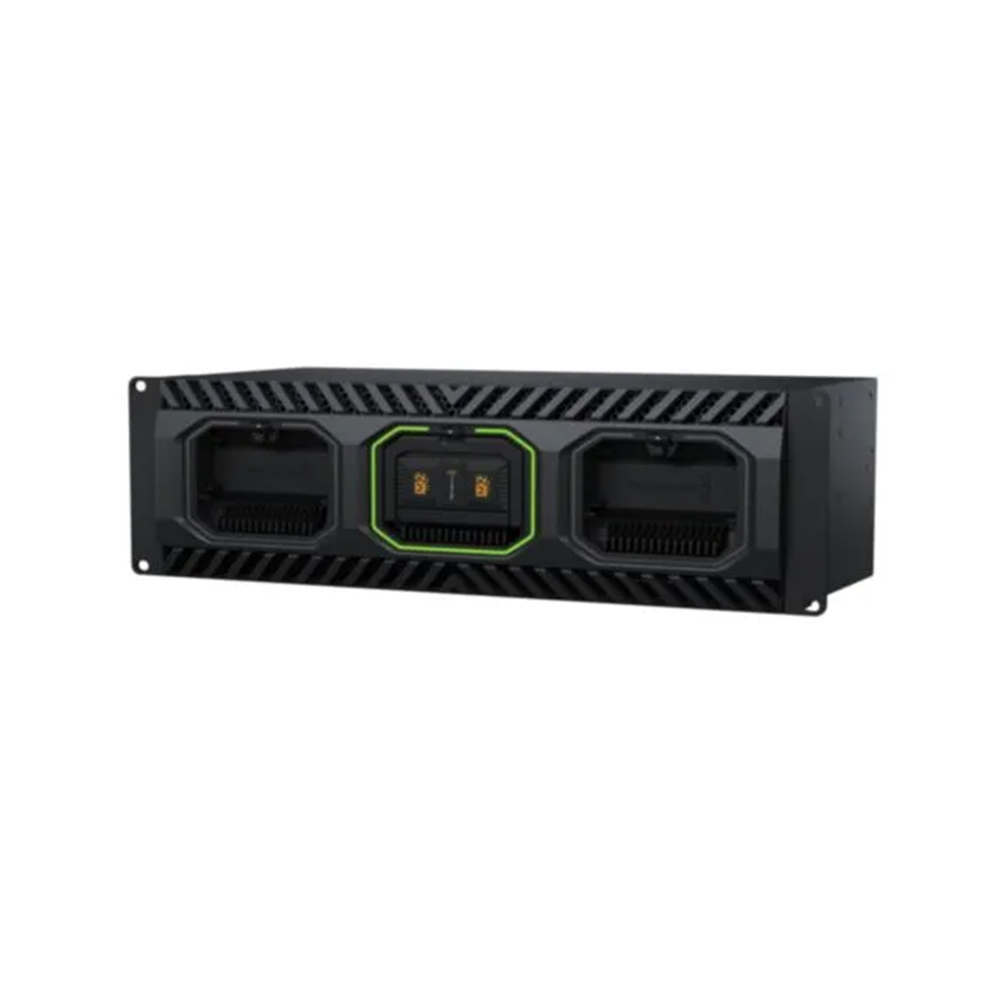
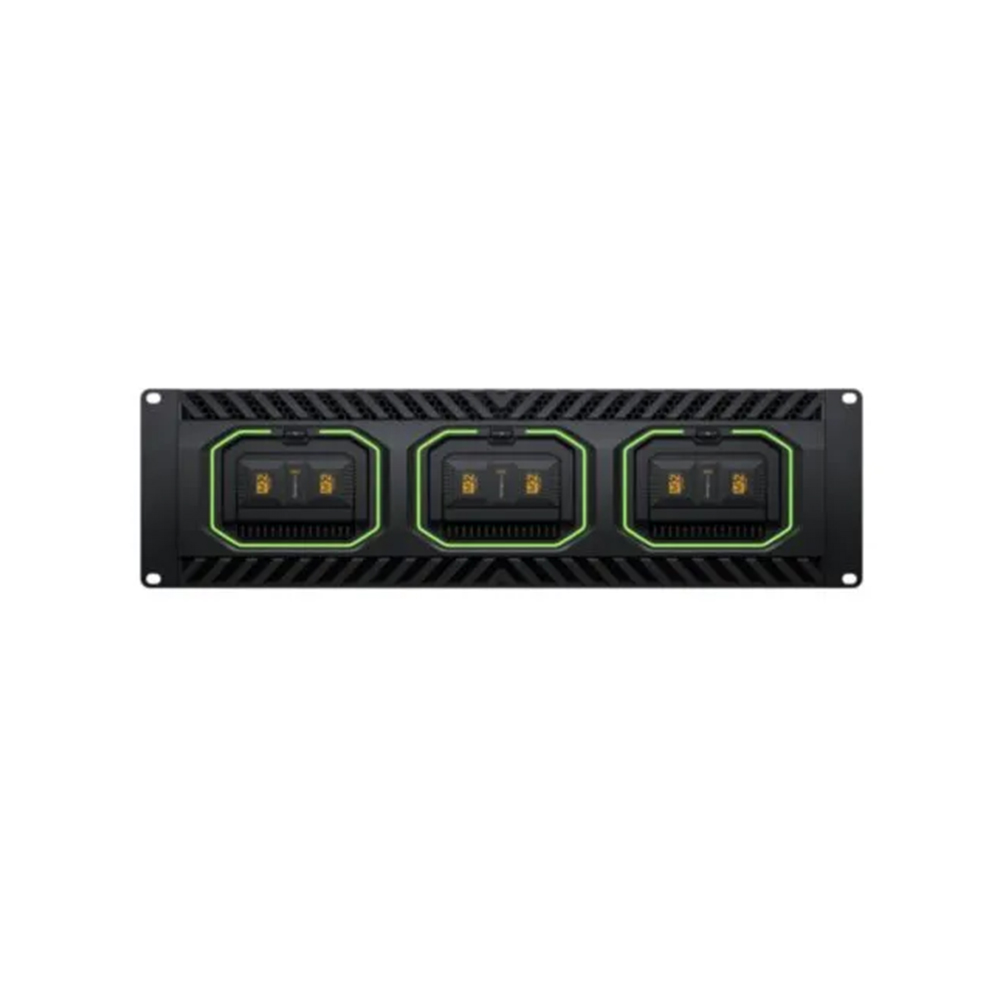
More powerful model holds 3 Blackmagic Media Modules in a front to back ventilated 3RU design. Includes SDI and HDMI monitoring, illuminated LED rings, and 2 x 100G Ethernet on separate networks.
Professional Rack Mount Design
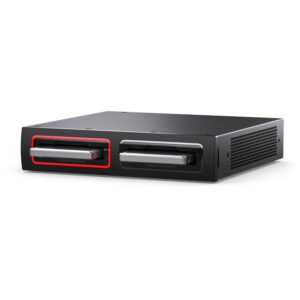
The Blackmagic Media Dock has a rack mount design holding up to 3 Blackmagic Media Modules for sharing on your network. It uses the same modules as URSA Cine cameras! Each module has 4 x M.2 flash memory cards in RAID 0, making them incredibly fast. M.2 cards generate significant heat, so each module has an integrated heat sink to keep them cool, ensuring maximum data speeds. The design includes illuminated LED rings around each slot, showing reads and writes from the media modules. The Blackmagic Media Dock Ultra model is dramatically more powerful with server style front to rear cooling and multiple fans for redundancy and quiet operation. Plus this model also has 2 redundant power supplies!
Get Blackmagic Cloud for Global Media Sync!
Now creative teams can share a single local cache of media uploaded to the Blackmagic Cloud for a true global workflow! This makes working much faster because files are instantly available to everyone without needing to be downloaded from the internet. Blackmagic Media Dock will constantly work to stay in perfect sync. You save space on your individual computers because the Blackmagic Media Dock is a central store of all media that’s accessible to everyone on your local network. You can even sync multiple Blackmagic Media Docks to different geographic locations so everyone can collaborate globally without latency because everyone is using a local copy of the media files.
Distribute Files Globally with Blackmagic Cloud
With support for Blackmagic Cloud, you can use Blackmagic Media Docks to share media files globally. That’s important when working with large datasets or massive digital film and video files. Editing requires access to media dozens of times a second, so internet connections can be too slow to handle it. Plus the internet has too much latency to access large files remotely. However, using the internet to sync media to local storage totally eliminates delays and latency. That’s because everyone has a local copy of the files on their network. With Blackmagic Media Dock, you get constant media file sync, even if your computer is turned off!
Built DIT Carts for Film Production and On-Set Grading
Build high end digital film DIT carts and post production workflows with Blackmagic Media Dock! It allows multiple DaVinci Resolve workstations to access recorded files instantly on set, without file copying. This means you can use DaVinci Resolve for on-set grading. That’s a fantastic workflow when using URSA Cine cameras, which record to Blackmagic Media Modules. With space for 3 media modules, you can quickly backup media during a shoot or color grade direct from the modules. Plus with 4 x 10G Ethernet ports on the base model, multiple DaVinci Resolve workstations can connect at the same time. You can also sync to Blackmagic Cloud to collaborate with off-site colorists and editors!
Real Time Monitoring
The most exciting feature is the HDMI and SDI monitoring outputs! Simply connect a monitor to get a live status overview of the Blackmagic Media Dock! The storage map shows a graphic representation of the modules total capacity and also shows reads and writes for the connected users. It’s mesmerizing to watch! There are also graphs that show you the data transfers on the Ethernet connections. The main space indicator shows you the capacity of the media modules and how much is currently being used. You can also add a custom name to the Blackmagic Media Dock! The status for each Blackmagic Cloud sync is also shown. It’s even possible to view the status of the power supplies!
High Performance 10G Ethernet
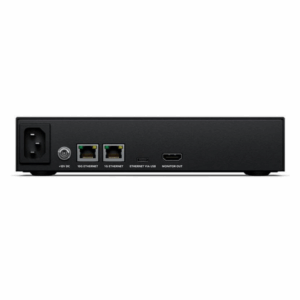
The base model Blackmagic Media Dock has fast 10G Ethernet ports, which are found on faster workstation computers. You get 4 independent 10G Ethernet ports that can all sustain maximum 10G data speeds even when all 4 ports are connected to separate computers and used at the same time. With 10G Ethernet, you get 10 times the speed of regular Ethernet. Plus most high performance computers now have 10G Ethernet or can be upgraded. The media modules and internal data processing are so fast, each 10G Ethernet port will run to its maximum capacity, even when connected to an Ethernet switch with dozens of users accessing files on the media modules all at the same time.
Get Unbelievably Fast 100G Ethernet!
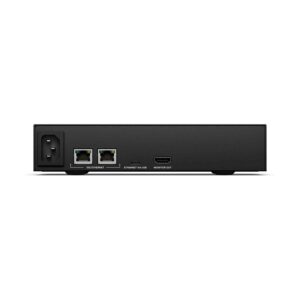
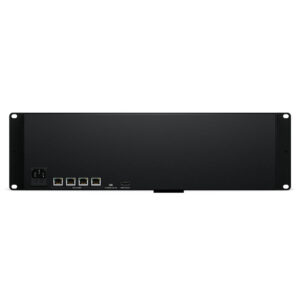
The Blackmagic Media Dock Ultra model features 100G Ethernet for incredibly high data transfer speeds. The base model has 4 x 10G Ethernet ports, making it easy to connect computers directly. However, the Blackmagic Media Dock Ultra is dramatically faster, with two separate 100G Ethernet ports operating as two separate networks. You can record via one 100G port from HyperDeck ISO Recorder 100G while the other port is completely free to serve dozens of edit workstations! Each 100G Ethernet port will never interfere with the other! Plus you can break out each 100G Ethernet port by adding a Blackmagic Ethernet Switch 360P to get 16 separate 10G Ethernet connections.
No Subscription or Maintenance Costs
One of the big advantages of the Blackmagic Media Dock is its private storage that you fully control. There are no subscriptions to sign up for. There are no monthly license fees. There is no tracking of your usage or data. You don’t need to use a paid, cloud based web service to maintain the storage settings because Blackmagic Media Dock includes a free software utility that runs on Mac and Windows. That means you can run a private network, totally disconnected from the internet. This is critical for many security standards where computer networks cannot be connected to the external internet. With Blackmagic Media Dock, you get performance, portability, and total freedom.
Free Software for Mac and Windows
When you need to change settings, you can use the Blackmagic Cloud Store utility that’s available on Mac and Windows. By default, the Blackmagic Media Dock is set to DHCP, so you can connect it to your network and start transferring files. You don’t even need an IT tech to get started! However, the Blackmagic Cloud Store Utility also opens up a whole range of settings you can customize, including the ability to add custom logins and passwords for each user, plus you can enable file download via FTP or web browsers. You can also update network settings and add security certificates. The utility is where you set up sync to the Blackmagic Cloud website.
Designed for Live Production with HyperDeck ISO Recorder
With 100G Ethernet ports, the Blackmagic Media Dock Ultra model is perfectly designed to work with HyperDeck ISO Recorder 100G for live production. That’s a powerful combination as HyperDeck ISO Recorder 100G can record 8 cameras all at the same time! Files are recorded in broadcast quality ProRes for very high quality. Once you have recorded separate ISO cameras, you can edit new programming, or get live action replay with DaVinci Resolve! Even as the files are recording, DaVinci Resolve can still edit the media! The Blackmagic Media Dock Ultra is designed for this use as one 100G port connects to the HyperDeck, while the other can connect to a network switch and editing workstations.
Add Connections with the Blackmagic Ethernet SwitchThe Blackmagic Ethernet Switch 360P is the first Ethernet switch designed for the film and television industry! It has extremely high performance plus low latency. All the Ethernet connections are on the rear, which means the cables are neater, hidden from users and more secure. You get 16 fast 10G Ethernet ports and 2 high speed 100G Ethernet QSFP sockets for copper cables or optical fiber modules. Plus there’s a router panel built into the front so it can also be used to build small portable 2110 IP systems using a familiar video routing user interface. Users won’t even know they’re routing SMPTE-2110! It’s a simple plug and play solution with everything needed for television work!
Specification
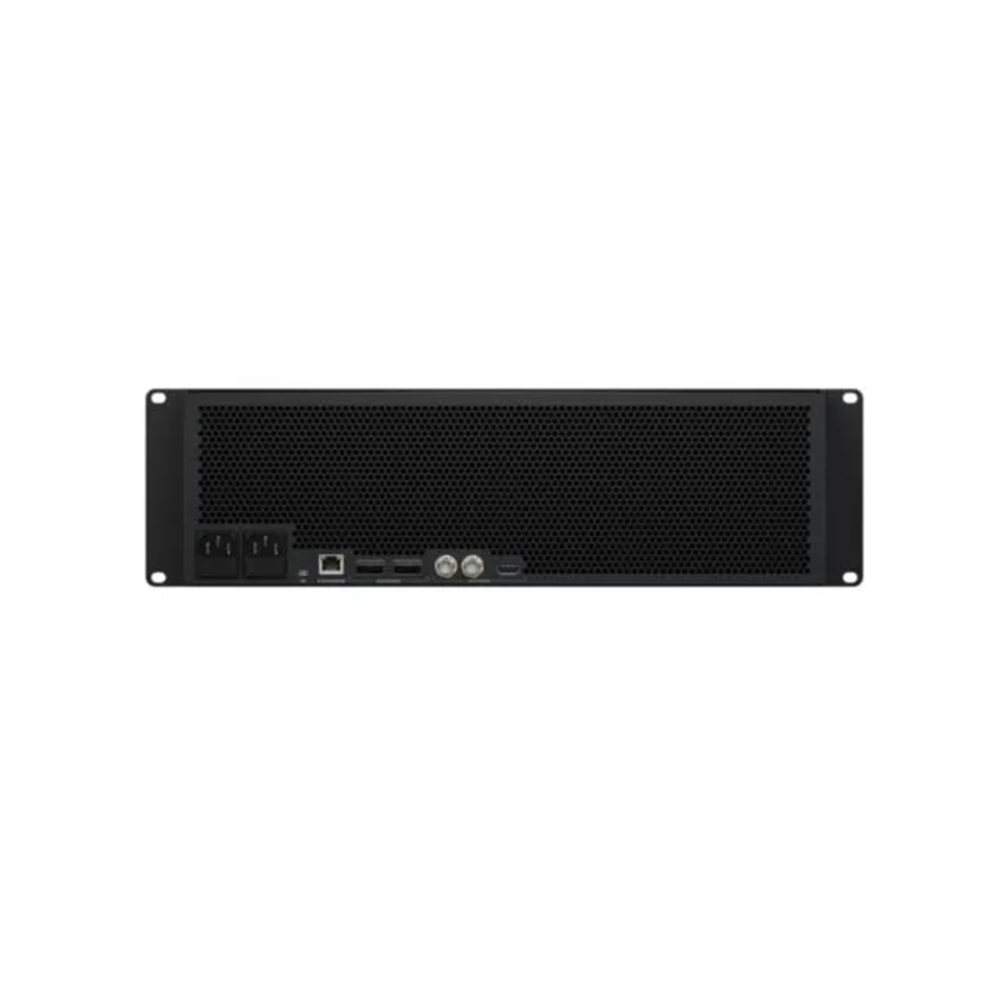
| Connections | 2 x 100G QSFP28 connections. 1 x RJ45 Ethernet. Supports 10/100/1000 BASE-T. For Cloud Store Setup utility and software updates. |
| SDI Monitor Outputs | 2 |
| HDMI Monitor Outputs | 1 |
| SDI Rates | 1.5G, 3G. |
| Computer Interface | 1 x USB-C for Cloud Store Setup utility and software updates. |
| Power | 2 x IEC C14 power inputs. |
| File Sharing Protocol | NFS (HFS+ formatted disks only) SMB |
| Computer Connections | 50 max. |
| Operating Systems | Mac 15.0 Sequoia, Mac 26.0 Tahoe or later. Windows 10, 64-bit. Windows 11. |